
Plans get lost in the chat
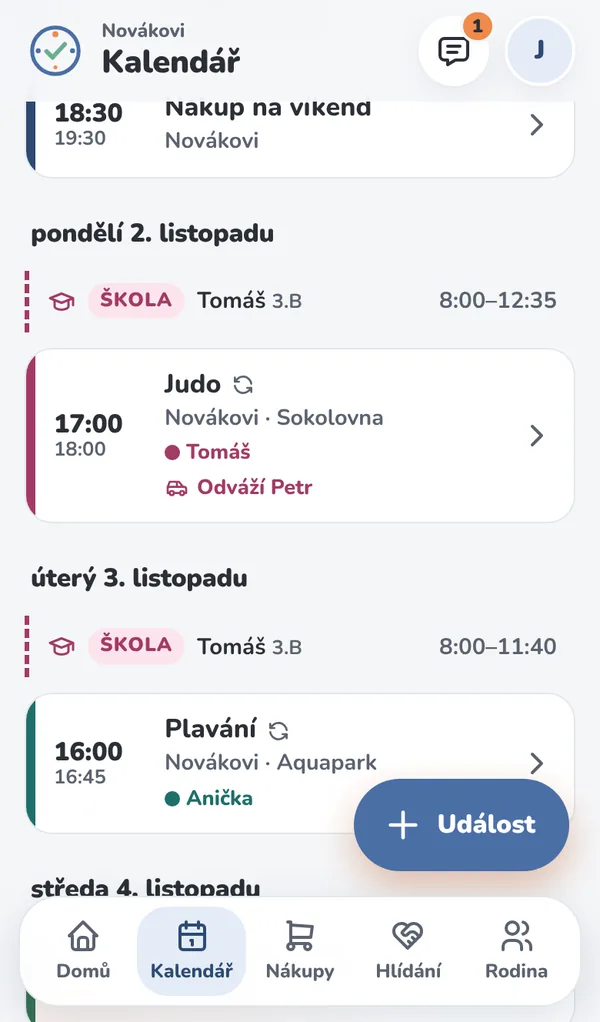
Who drives, who picks up and when – it's all right there with the event, not buried in message number fifty.
Activities, shopping, babysitting and school timetables in one place. Everyone knows what's going on – and nobody has to dig through the group chat.
Free · no credit card · nothing to install
Sound familiar? Who's taking the kids to judo today, what are we out of, and can grandma help on Friday?
Who drives, who picks up and when – it's all right there with the event, not buried in message number fifty.
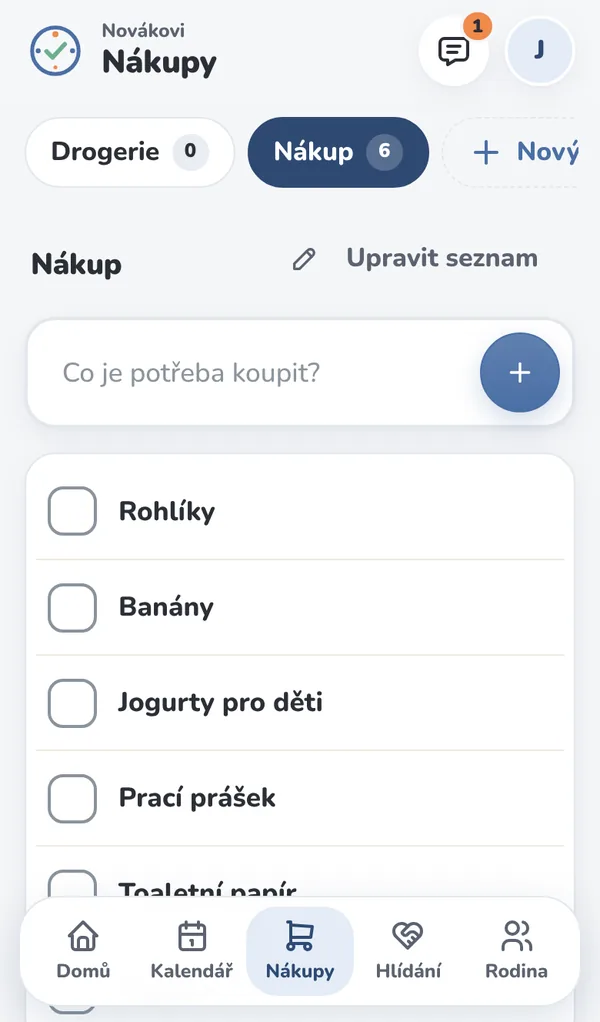
Everyone has the list on their phone. When one person buys something, the others see it checked off.
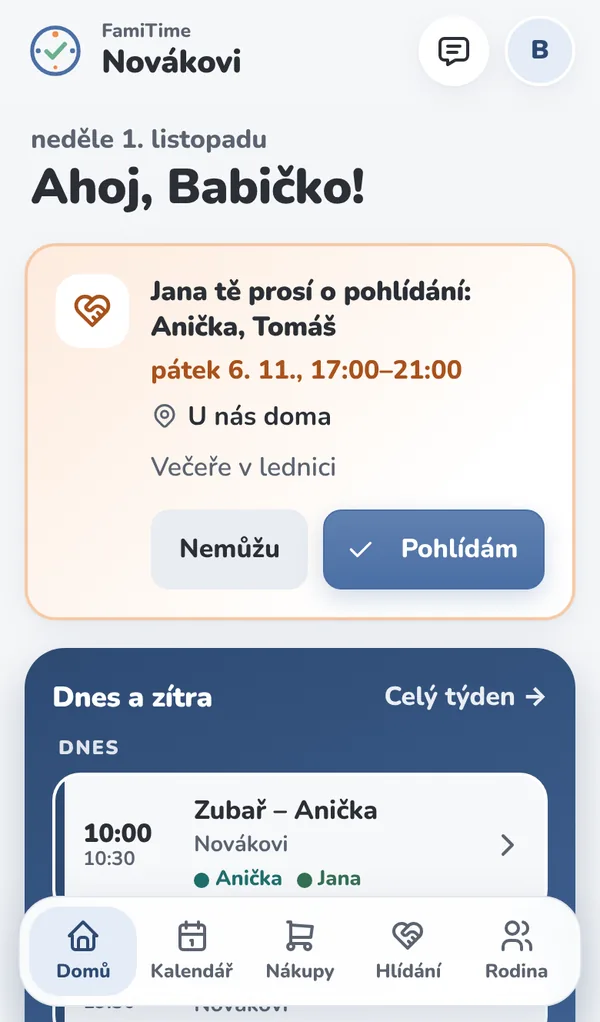
Grandparents can see what the grandkids are up to, and you can ask them to babysit with a single tap.
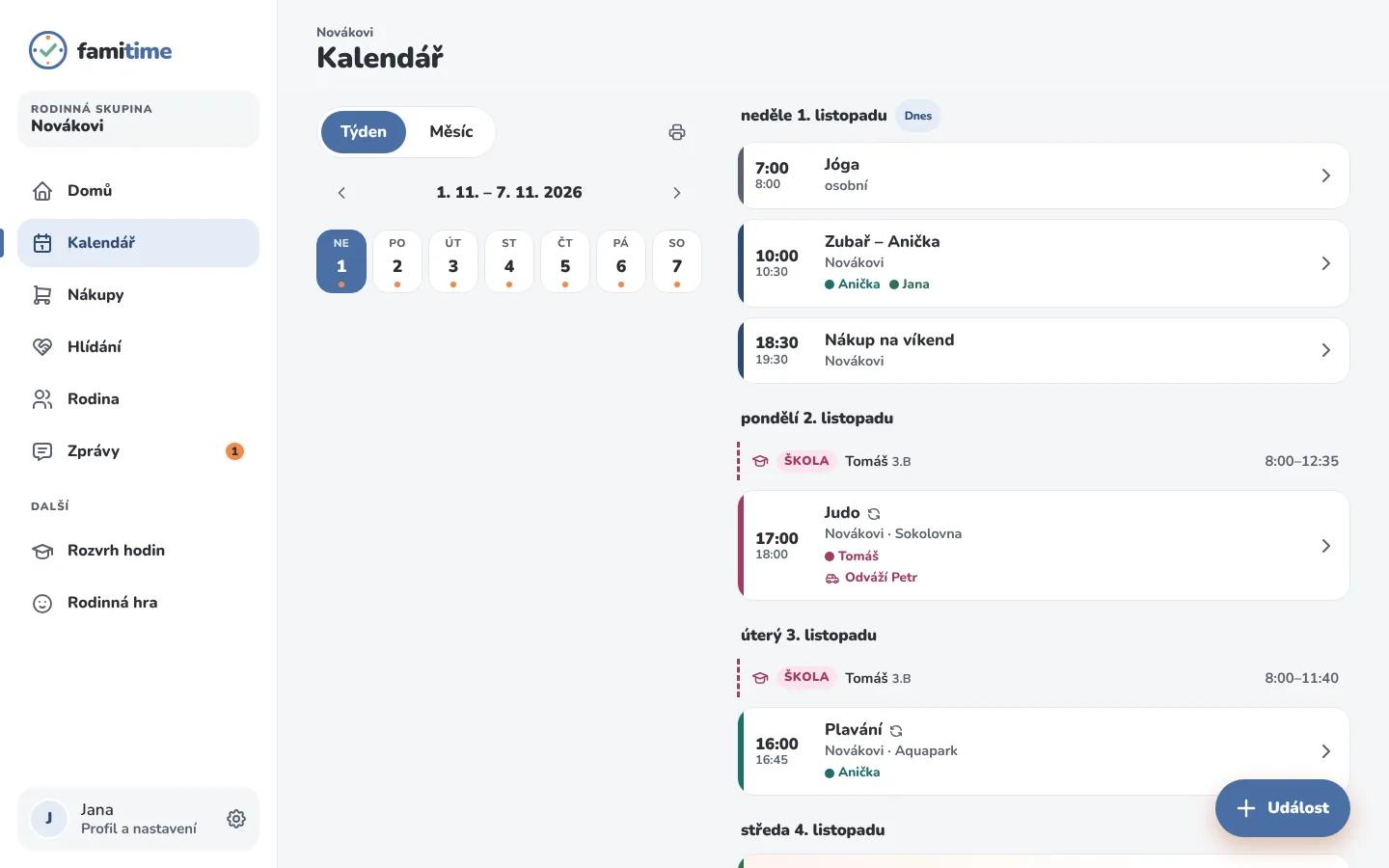
Activities, doctor visits, playdates. Everyone gets their own color, and you set up recurring events just once.
For every event, you see who it's for and who's dropping off or picking up.
Multiple lists (groceries, household), check items off right in the store, and a trash bin to restore anything.
Send a request to grandma, grandpa or the sitter. Whoever confirms first is on – and everyone else knows right away.
Your child's timetable for the whole school year. When school starts and ends shows up in the calendar too.
No one forgets – birthdays show up in the calendar automatically, age included.
Message one person or the whole family. Just you – no strangers.
A detective adventure you play together – each on your own phone.
Print the week or month for the fridge. Or subscribe to it in your phone's calendar.
Plan the week at home on your computer, check off groceries on your phone in the store. There's nothing to install – FamiTime runs in your browser, and you can add it to your phone's home screen like an app.
Sign up with your email and give your family a name.
Send a link to your partner, grandma or grandpa. You decide what each person can do.
Add your first activity or shopping item – everyone else sees it right away.
Admin, editor, viewer, child. Kids' accounts have no shopping or settings.
Encrypted connections and passwords protected with modern encryption. No one can read them – not even us.
Download your data anytime, or delete your account and your whole family.
Made in Czechia for families who want fewer worries, not more settings.
Only one person pays – the whole family, grandma and the sitter are all included.
You can use FamiTime for free right now. When we launch the paid version, we'll let you know well in advance, and you'll get a free trial first.
Try it freeNo. FamiTime runs in the browser on your phone and computer. On your phone, you can add it to your home screen and open it like an app. An App Store app is in the works.
Nothing right now. When we launch the paid version, you'll hear about it well in advance and get a free trial first. Only one person ever pays for the whole family.
Yes. Big buttons, easy-to-read text and only what she needs. She can just view or also edit – you decide.
Yes. Kids get their own sign-in with limited access – they see their calendar, timetable and messages. Younger kids can be part of the family without an account.
Yes – for example, your household and the family at grandma's. Each one has its own calendar and shopping lists, and you share only what you want.
Yes. You can subscribe to your FamiTime calendar in your phone's calendar using a private link (iCal).

Setting up your family takes two minutes. Invite everyone else with a single link.
Try it freeFree · no credit card · nothing to install